The ‘Special Settings’ window
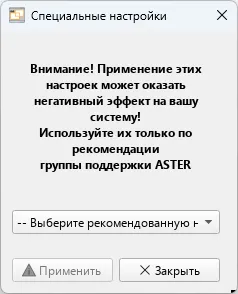
This window allows you to apply settings designed to resolve, as well as identify, certain issues with the programme’s operation.
To open this window, right-click on the ‘System’ context menu ("Workplaces" Tab) and select ‘Advanced Settings’.
Important!
Applying these settings yourself may result in errors, crashes and other unpredictable behaviour in the operating system and the programme.
Special settings should only be applied on the recommendation of ASTER’s support service!